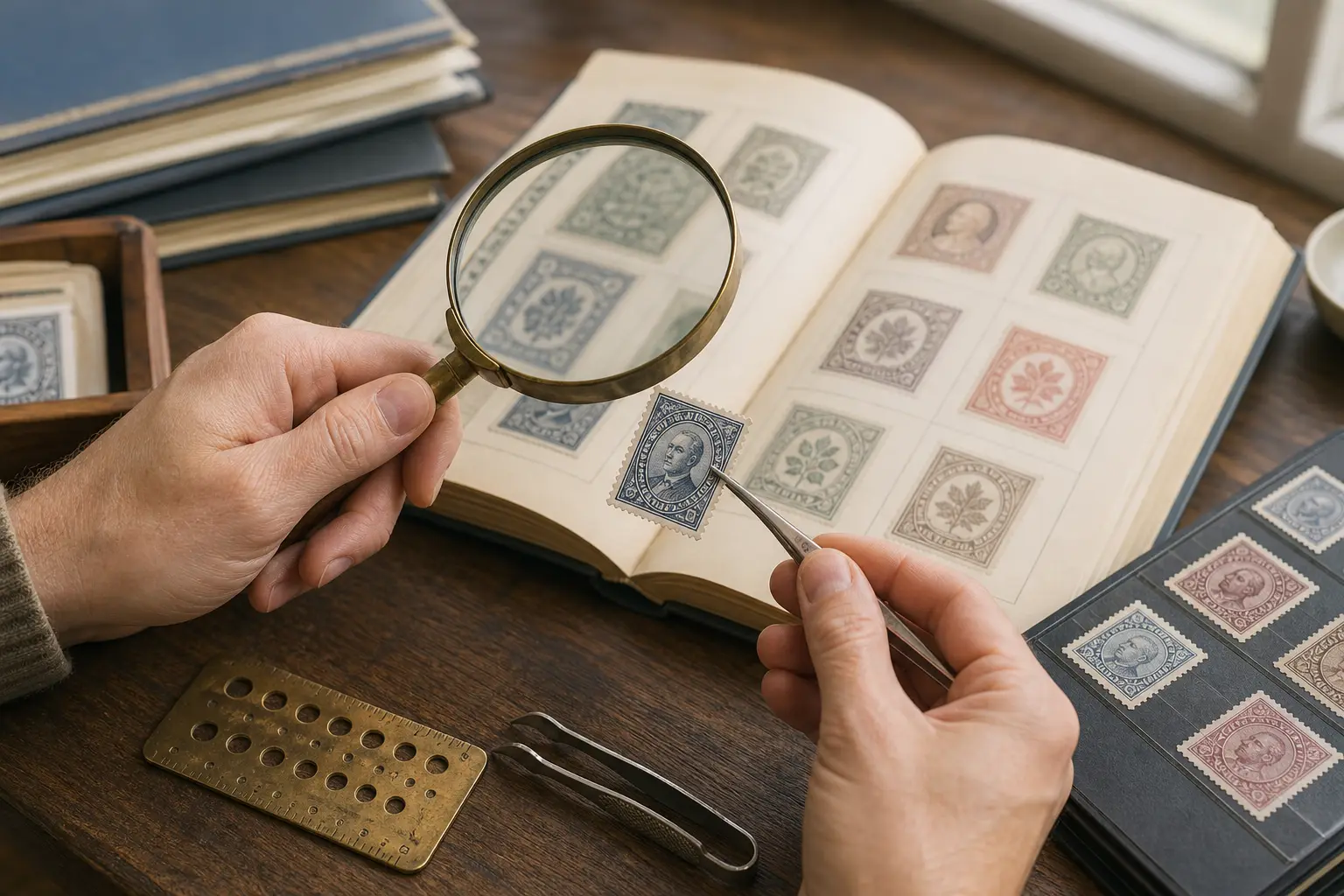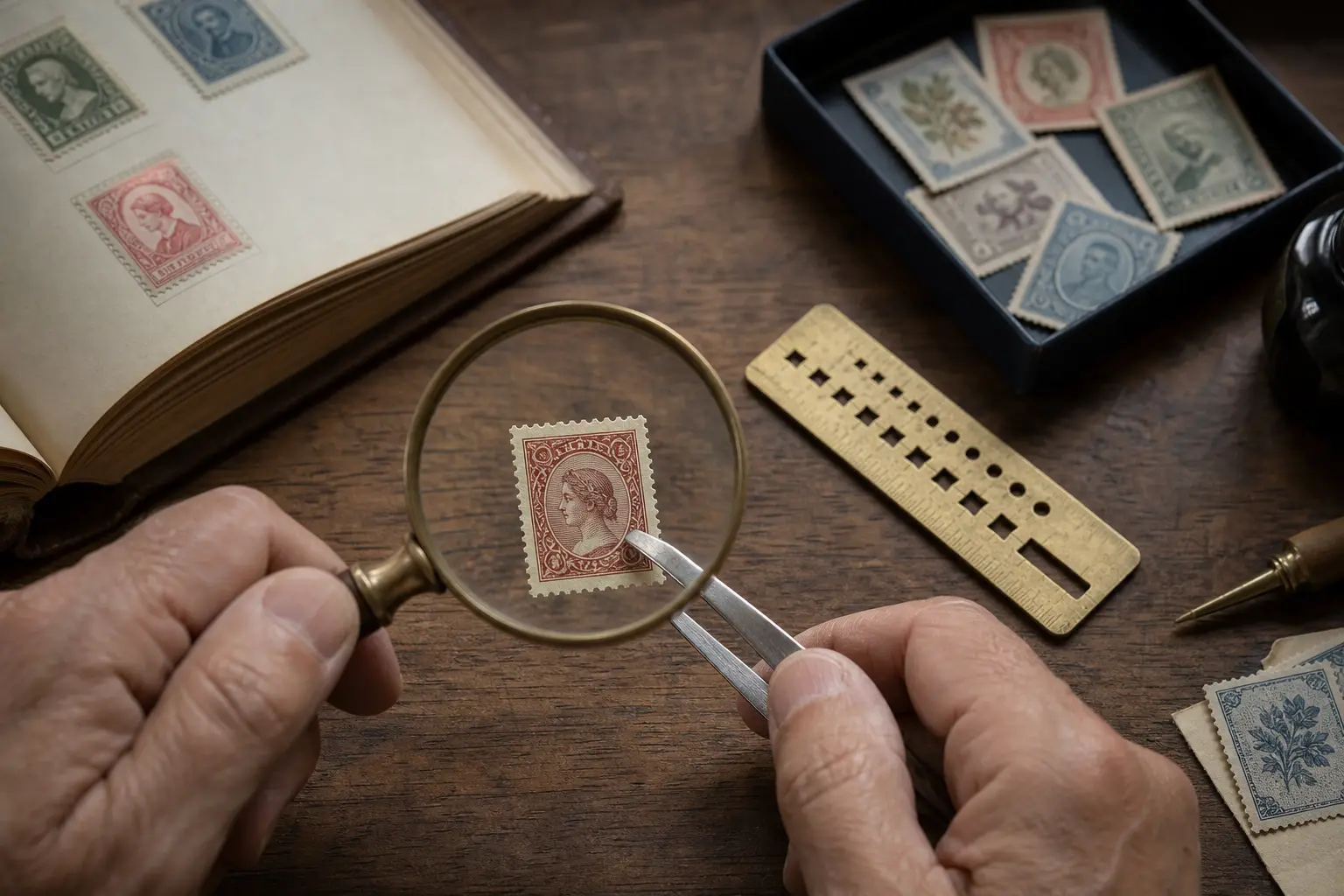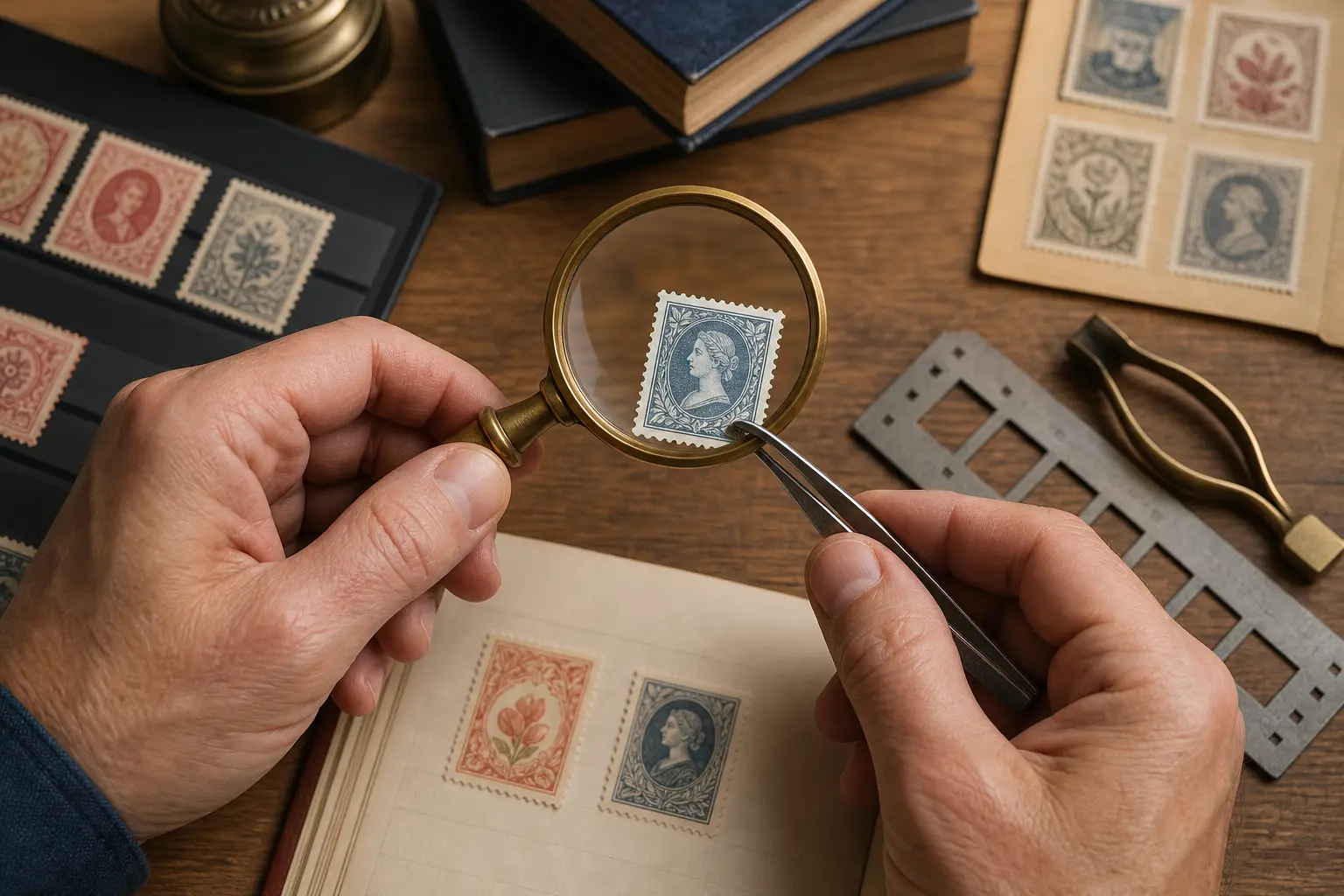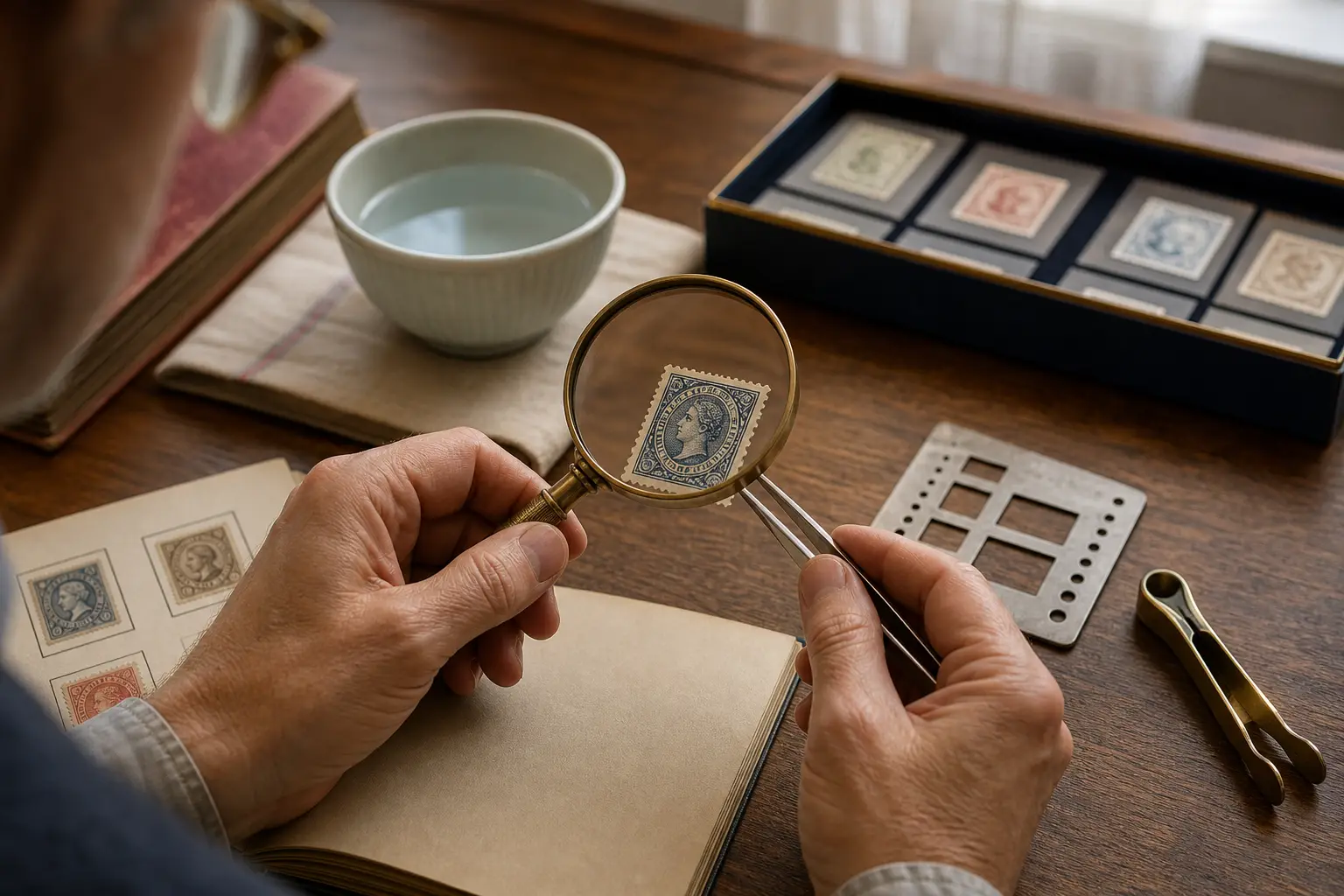
How to take a scan that preserves useful detail
Place the stamp on a plain, contrasting surface and use soft, even light. Keep the camera parallel to the stamp so the frame, perforations, and printed design are not distorted. Fill most of the image with the stamp while keeping every edge visible.
Avoid flash glare, fingers, album plastic, and deep shadows. If the stamp is already mounted, photograph it in place rather than risking damage. You can crop the image before scanning, but do not cut away perforations or an overprint that may distinguish the issue.
What the scanner looks for
The design provides more than one clue. Country names, numerals, portraits, emblems, colors, cancellation marks, and the relationship between printed elements all help narrow the result. StampSnap combines those signals so a faint inscription does not have to carry the entire search.
Why a scan is the beginning, not the final verdict
Two stamps may share the same face design while differing in watermark, paper, perforation gauge, printing plate, gum, or an alteration visible only under magnification. Treat the scan as a strong lead. For an important item, compare a trusted catalog and inspect the physical characteristics before buying, selling, or insuring it.
Keep each scan connected to your collection
Save a useful result immediately, group it in a folder, and return to it later. A consistent digital record helps when you are working through a large inherited album or sorting many similar issues over several sessions.